EN
EN

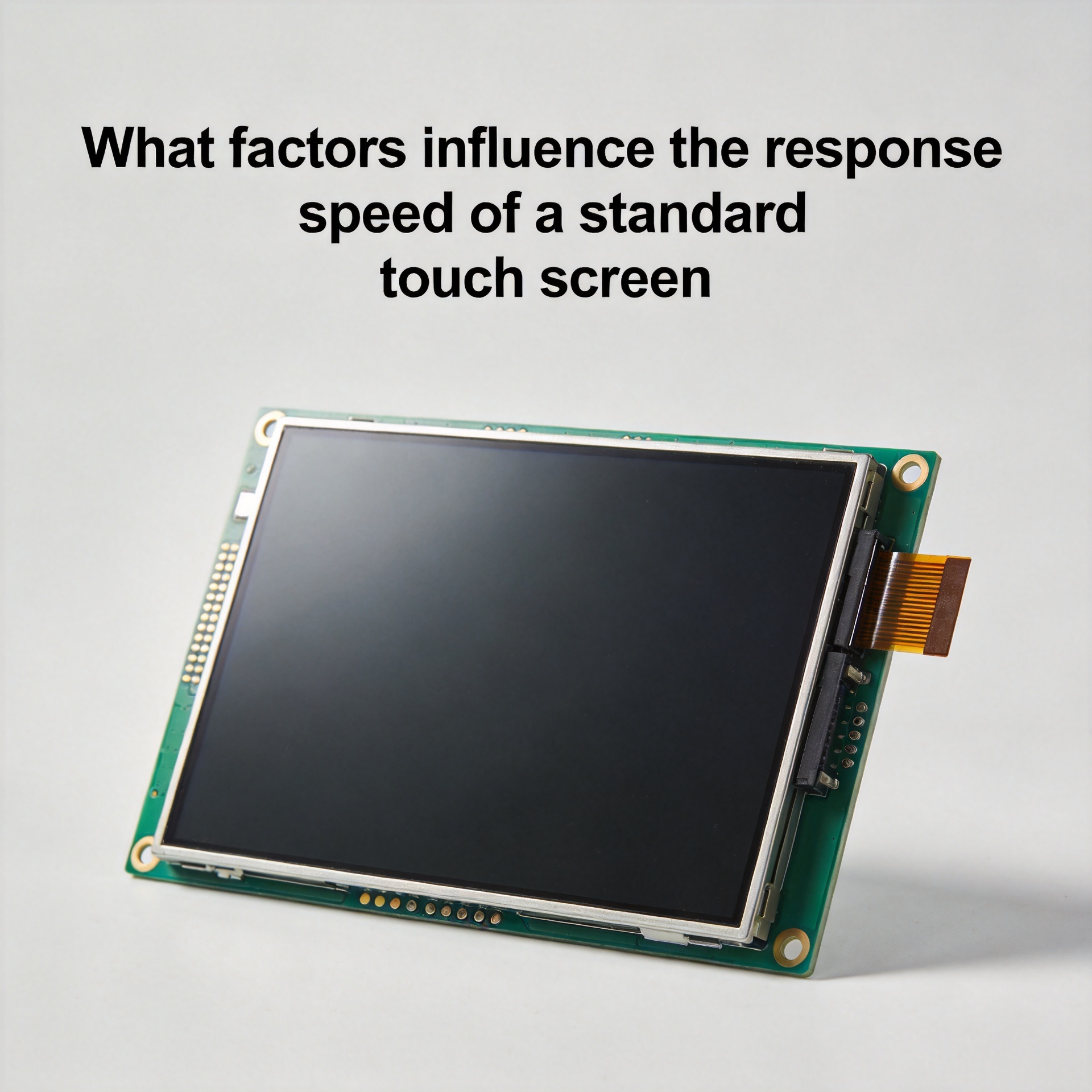
What Factors Influence the Response Speed of a Standard Touch Screen
For product designers and procurement engineers evaluating display components, touch screen response speed is often one of the first performance criteria on the checklist. Yet projects frequently encounter a frustrating gap: the touch screen performed well in the lab, but the end device feels sluggish under real operating conditions. Understanding what actually determines touch screen response speed, spanning hardware, firmware, and environment, is the first step toward making better component selection and system integration decisions.
1. Touch Technology Type Sets the Baseline
Not all touch screen technologies share the same response characteristics. The fundamental detection method has a direct and measurable impact on latency.
Capacitive touch screen panels detect changes in electrical charge distribution across the sensor array. Because no mechanical deformation is required, a capacitive touch screen can register contact extremely quickly, typically within a few milliseconds. Projected capacitive (PCAP) touch screen modules are widely used in industrial HMI and automotive applications precisely because of their combination of high sensitivity and fast detection.
Resistive touch screen panels, by contrast, require physical pressure to bring two conductive layers into contact. While resistive touch screen designs can still deliver adequate response speeds for many applications, the mechanical action adds an inherent latency floor that capacitive technologies avoid. The RC time constant (the resistance-capacitance time relationship within the circuit) governs how quickly a capacitive touch screen detects and confirms a touch event. Under stable circuit conditions, this constant is predictable and consistent, which is why capacitive touch screen designs can be reliably engineered for fast response across production batches.
2. Touch Controller Chip and Scan Rate
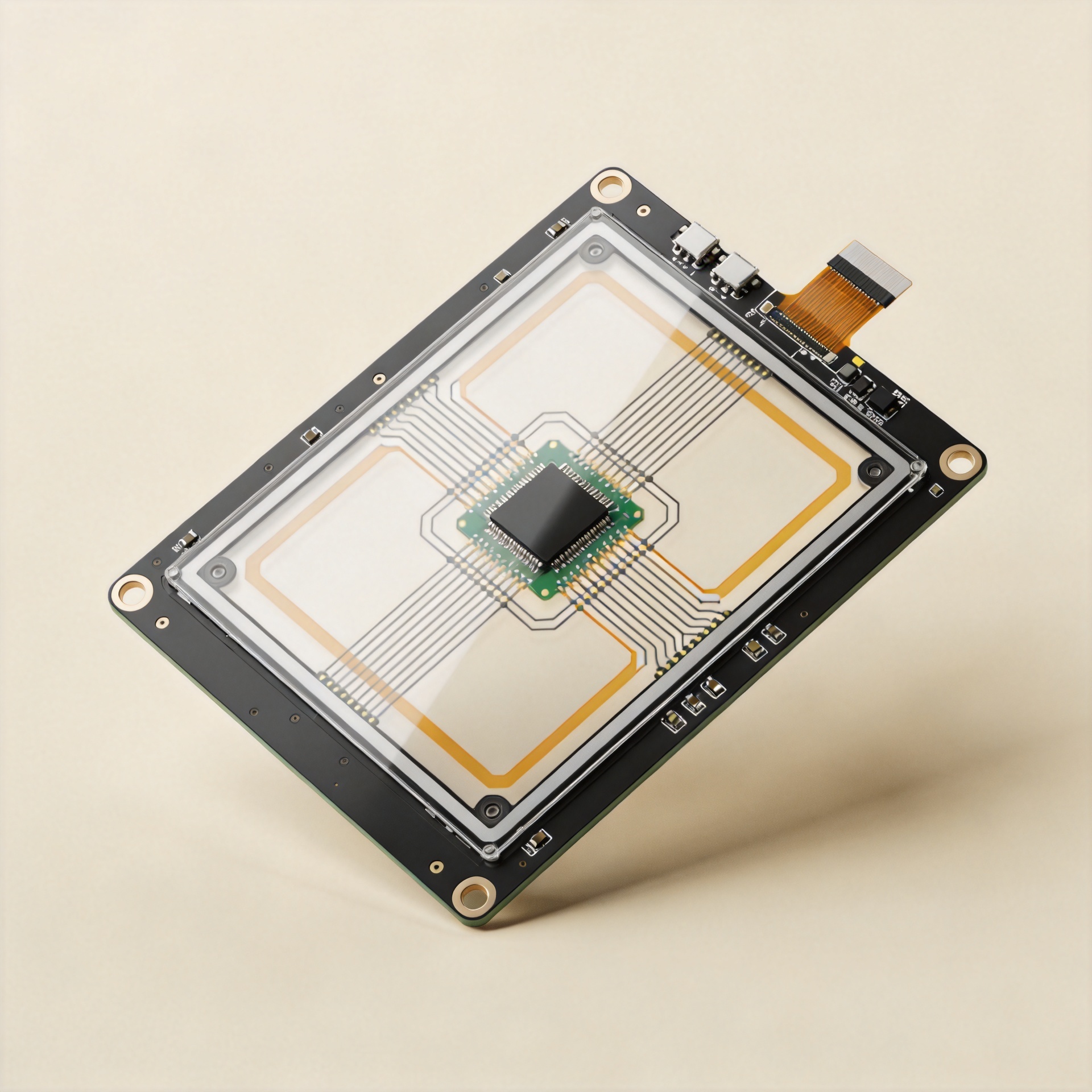
This is where many engineers stop thinking too early. Touch screen response speed is not only determined by the touch chip. The interaction between the controller IC, scan rate configuration, and host system matters equally.
Modern capacitive touch screen controllers scan the sensor grid at frequencies of 100 Hz to 200 Hz or higher. This means the controller checks for touch events 100 to 200 times per second. A higher scan rate directly reduces the worst-case time between when a finger contacts the touch screen and when the controller captures that event. In latency-sensitive applications such as industrial control panels or medical diagnostic touch screen displays, confirming the scan rate during component selection is essential, not just checking the physical panel specification.
The controller firmware also shapes how quickly a detected event is processed and reported to the host. The digital interface clock rate of the touch screen controller determines how rapidly raw touch data is converted and transmitted. A slower clock configuration means longer processing time between physical contact and the software event being raised on the touch screen system side.
3. Firmware and Software Stack
From a system integration perspective, the software layers between the touch screen controller and the application introduce latency that hardware selection alone cannot resolve.
Driver responsiveness, operating system input event queuing, and application rendering pipelines all contribute to the total time a user perceives between touching the touch screen and seeing a visible response. Buyers sometimes overlook a critical distinction: a touch screen panel's display response time (the speed at which pixels change state) is a different metric from touch input latency, which is the full end-to-end delay from physical contact to system acknowledgment.
Optimizing firmware configuration for the specific operating environment, tuning controller report rates, and minimizing software input buffering are all decisions that affect touch screen responsiveness in the final product, independent of the panel quality or touch sensor specification.
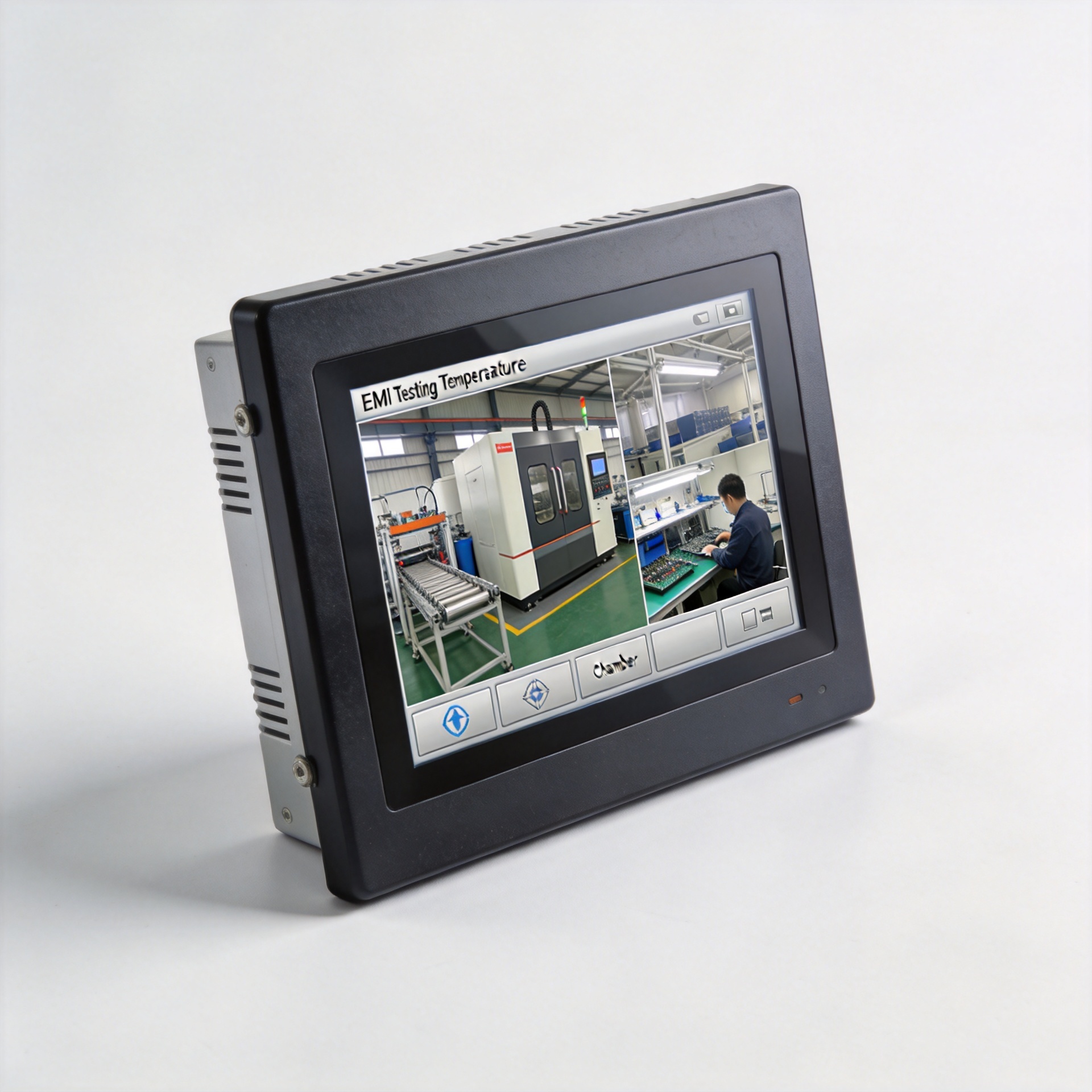
4. Environmental Factors: Temperature and EMI
Two environmental factors are consistently underestimated when evaluating touch screen performance for industrial and vehicle-mount applications.
Temperature has a measurable effect on capacitive touch screen response. At low temperatures, the dielectric properties of the cover glass and sensor layers change, affecting sensitivity and the accuracy of touch detection. A touch screen module that performs reliably at room temperature may exhibit latency drift or reduced accuracy at −20°C. Products intended for outdoor, cold-storage, or automotive environments need to account for this. Temperature-induced touch accuracy variation is a real field issue that adequate environmental testing and firmware calibration can address during the design phase.
Electromagnetic interference (EMI) directly affects touch screen response quality and apparent speed. A touch sensor layer operating in an environment with significant electrical noise (near motor drives, power inverters, or high-frequency switching circuits) may experience false touches, missed events, or response degradation. The choice of touch layer construction, shielding design, and grounding configuration all contribute to EMI robustness. Underestimating the EMI environment during touch screen module selection leads to costly hardware revisions during compliance testing.
5. Panel Construction and Optical Bonding
The physical construction of the touch screen module itself affects response consistency. An air-bonded touch screen assembly, where a gap exists between the cover glass and the display panel, differs in electrical and thermal characteristics from a fully laminated (optically bonded) design. While optical bonding is primarily used to improve outdoor visibility by reducing reflection, the fully laminated construction also changes the electrical environment around the touch sensor layer, with implications for sensitivity uniformity across the touch screen surface.
Touch sensor thickness, cover glass material and surface treatment, and the bonding method used in manufacturing each contribute to the electrical characteristics that the controller must manage to deliver consistent, fast response from the touch screen under varying conditions.
6. Clarifying What "Response Speed" Actually Means
A common source of confusion when specifying touch screen components is the difference between display panel response time and touch input latency. Panel response time, typically measured in milliseconds, such as "5 ms GtG" — describes how quickly display pixels transition between gray levels. This is a display performance characteristic, not a measure of touch screen input responsiveness.
Touch latency, by contrast, is the delay between the moment a user's finger contacts the touch screen surface and the moment the system acknowledges and acts on that input. For interactive applications, it is touch latency, not pixel response time, that determines the perceived fluidity and responsiveness of the touch screen user experience.
- Panel response time: Measures how fast pixels change state — a display metric.
- Touch scan rate: How often the controller samples the sensor — affects worst-case touch latency.
- Touch input latency: End-to-end delay from physical contact to system acknowledgment — the metric users actually feel.
Conclusion: Optimizing Touch Screen Response Requires a System View
For product designers and procurement engineers working with touch screen modules, response speed is the product of multiple overlapping factors: the touch detection technology, controller scan rate, firmware configuration, operating environment, and module construction. Treating touch screen selection as a purely physical panel decision misses the system-level factors that ultimately determine user experience in the field.
Suppliers with deep experience in touch screen module manufacturing, particularly those with OEM/ODM design capability across multiple touch technologies and environmental operating ranges, can provide validated specifications and environmental test data to support component selection decisions that hold up under real operating conditions.